Read to the bottom for login info:
Things to Note:
- You will have a phone # in Nextiva and a different phone # in RingCentral
- You can use the phone # in RingCentral to test your app and device compatibility
- Your phone # will be “Ported” on Fri, Dec 4
Porting a number = transferring an existing
phone number from your current carrier to a new
VoIP provider so you can keep using the same
number
- Once ported, your phone number will be in RingCentral
- NO ONES PHONE NUMBER OR EXTENSION WILL CHANGE
- During the porting process, texting may not work (or work well)
- All should be running smoothly by Mon, Dec 7
Contacts:
- Contacts will not be carried over to RingCentral
- You will need to manually enter them in -NOW
- FCC Employees/Phone #s will be in the contacts list
Documentation:
- Do you have texts with clients that should be documented? You need to take screenshots and save these to add to their file. Once we Port numbers, you will no longer have access to these conversations.
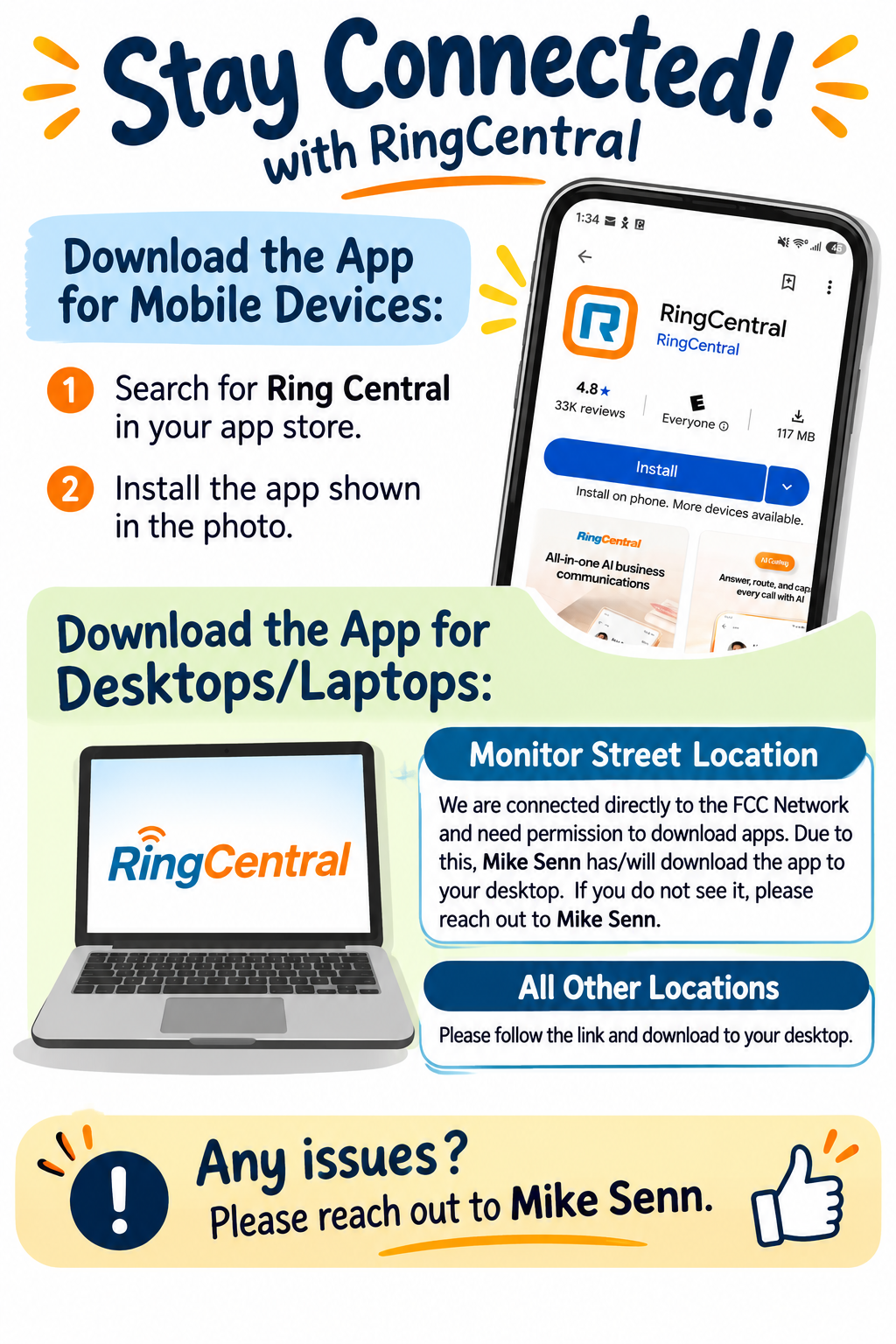
Desktop App:
https://www.ringcentral.com/download.html
DO NOT ALLOW Recording of calls in the app
This is asked when you setup the app. Choose Do Not Allow
According to our Privacy Policy, Contracts and Grants, we cannot record conversations or use AI to take meeting notes.
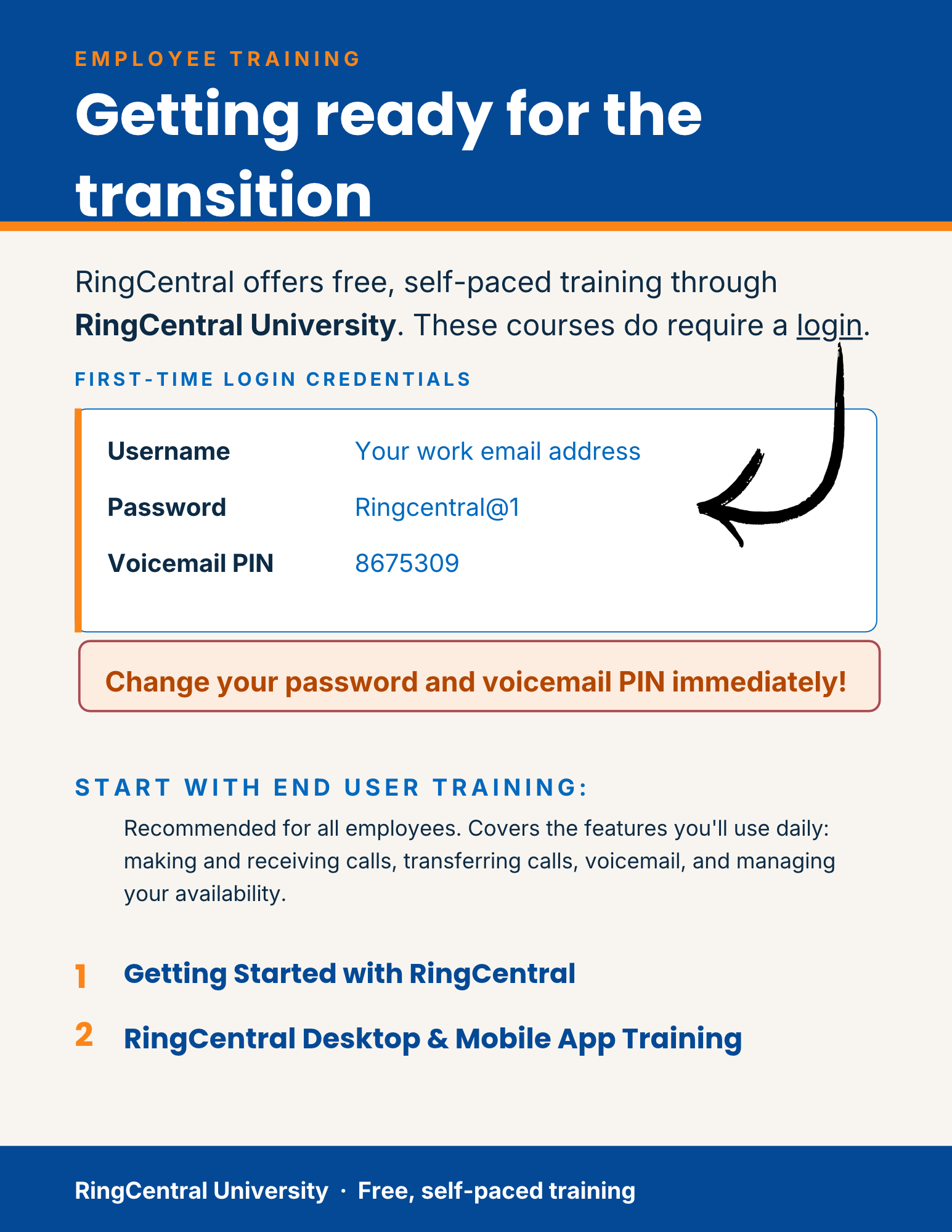
RingCentral University
Getting Started with RingCentral:
https://university.
https://university.
RingCentral Desktop & Mobile App Training:
https://university.
https://university.